Meet the KeepCount App Clip
Your first board.
Your way to count.
A score to settle. A set to finish. A little thing worth keeping track of. Start with one board and make it yours.
- Big, easy-to-tap counters
- Your labels, colors, and layout
- No account. No full app download.
App Clip coming with KeepCount 1.7
Get KeepCount now See how it worksThe full app is available today. The App Clip will let you try a board before downloading it.
For iPhone and iPad · iOS / iPadOS 18.2 or later
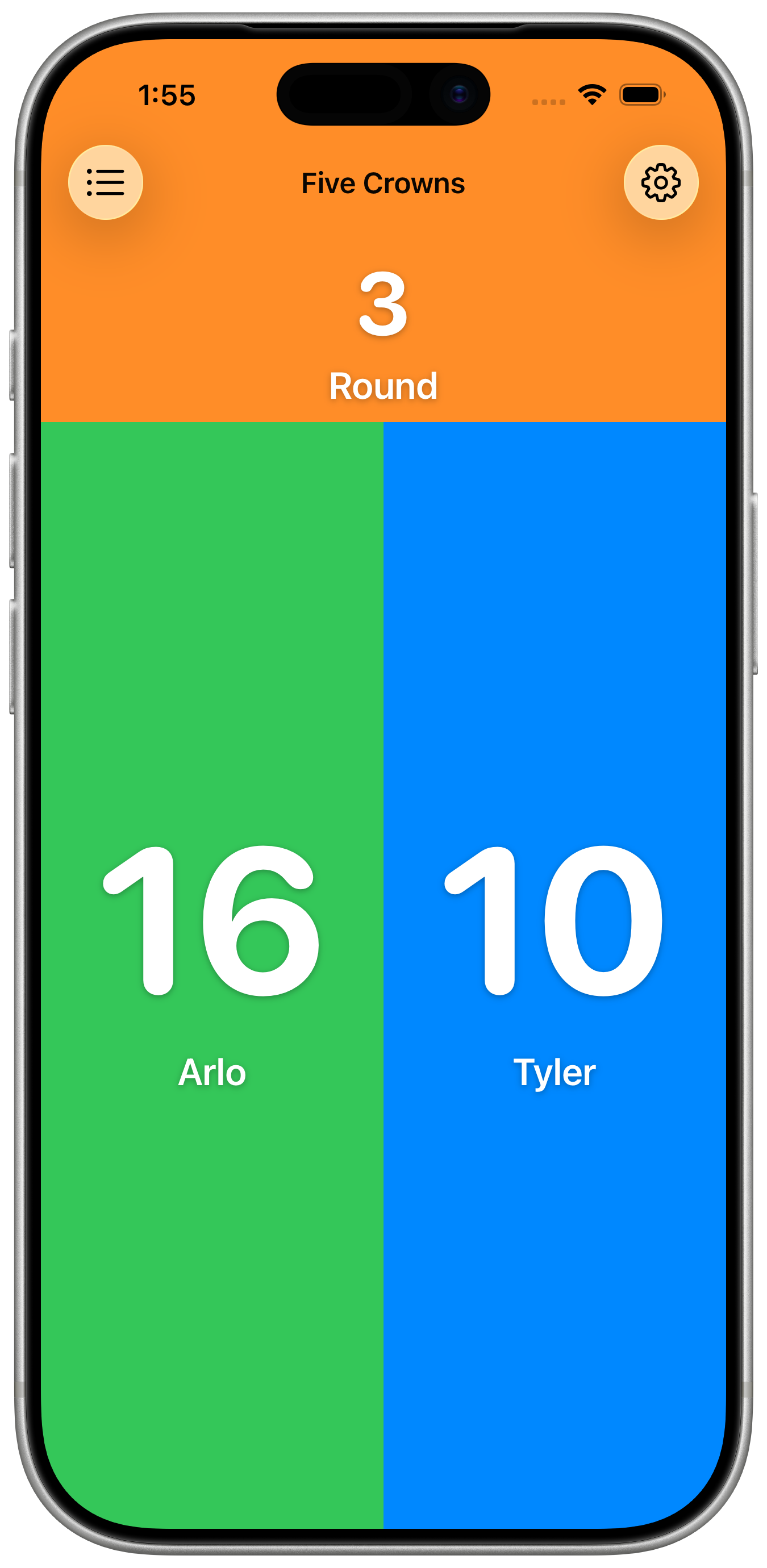
Your App Clip starts with a fresh one.
Small download. Room to make it yours.
From a quick try to your everyday counter.
- 01
Open and count.
Once 1.7 is available, open this page in Safari on your iPhone or iPad and tap Open on the App Clip card. Your board is ready.
- 02
Make it fit.
Add counters, name them, pick colors, and adjust the layout. Count up, count down, or enter an exact number. Undo is always close by.
- 03
Keep what you started.
Install KeepCount from the App Clip and your board comes with you. The full app includes three free boards, widgets, and Siri shortcuts.
A few good things to know.
What can I do in the App Clip?
Use one fully editable board, including counter labels, colors, starting values, increments, layout editing, reset, undo, and redo. Activity history viewing requires KeepCount Pro in the full app.
Will my board stay saved?
The App Clip saves your board between visits. Install KeepCount to keep it long term: iOS can remove unused App Clips and their data. Your board transfers automatically when you install the full app.
What if I’m on a computer or don’t see the card?
Open this page in Safari on an iPhone or iPad running iOS or iPadOS 18.2 or later. You can also get the full app from the App Store. Public App Clip launch becomes available after KeepCount 1.7 is released.
Does sharing this link share my board?
No. It gives someone their own KeepCount experience. Your counters, values, and history stay yours.