 KeepCount
KeepCount guides
Make every tap count.
Start a tally, put a board on your Home Screen, or find the right fix for an unexpected number. These guides cover KeepCount on iPhone and iPad, with examples you can adapt to your own day.
Download free on the App StoreThree boards free. Optional Pro for more boards, full history, and ad removal.
Start here
Start counting
Choose a counter, shape the layout, and recover from a stray tap.
- Use your iPhone or iPad as a tally counter
Make your first KeepCount board, label a counter, and count with large tap targets on iPhone or iPad. Includes steps, undo, and free-board limits.
- Count up, count down, or enter an exact number
Choose KeepCount counter types, starting values, and steps from 1 to 100. See how counting down and entering a value differ from adding to a tally.
- Customize counter labels, colors, and layout
Edit a KeepCount board with labeled counters, preset or custom colors, and snap-to-grid resizing. Make the counters you use most easier to tap.
- Reset a counter and undo an accidental tap
Use KeepCount hold actions, Reset All Counters, undo, and redo. Learn why Reset returns to the starting value and where undo has limits.
Organize your boards
Separate tallies, reuse layouts, and understand what Pro adds.
- Organize multiple counter boards
Create, rename, and switch KeepCount boards for separate tallies. Understand the three-board free allowance and what happens when Pro ends.
- Duplicate a counter board for a fresh session
Reuse KeepCount layouts with Copy Layout Only, Copy Layout & Labels, or Copy Everything. Learn what happens to starting values and current counts.
- Review counter activity history with KeepCount Pro
Find KeepCount board activity, understand before-and-after values and grouped taps, and distinguish the Pro history log from undo or an export.
- KeepCount free versus Pro: what is included?
Compare KeepCount’s three free boards, widgets, and Shortcuts with Pro’s unlimited boards, full history, and ad removal before deciding to upgrade.
Count outside the app
Set up widgets, system controls, Siri, and Shortcuts on your device.
- Add an interactive counter widget to your Home Screen
Choose a KeepCount board for an iPhone or iPad Home Screen widget. Count up or down from a tile and understand Enter Number and small-tile limits.
- Count from Control Center or the Lock Screen
Set up KeepCount’s Add to Counter control in Control Center or on an iPhone Lock Screen. Select the right counter and check its configured behavior.
- Use the iPhone Action Button as a tally counter
Connect an Action Button iPhone to a KeepCount counter through a control or Shortcut. Test the target, step, and reset workflow before counting.
- Count with Siri and KeepCount Shortcuts
Build a KeepCount Shortcut to add, set, read, or reset a counter. Select a named target, understand Amount, and avoid confusing duplicate labels.
Put a counter to work
Practical board examples for a game, workout, classroom, or stock check.
- Track workout reps and sets with a counter board
Build a simple KeepCount workout board for completed reps, sets, or laps. Choose manual count-up and count-down workflows without mixing totals.
- Count inventory or track items remaining
Use KeepCount for a manual stock count, remaining quantity, or packed bundles. Configure starting values and steps, then reconcile your tally.
- Make a classroom attendance or points counter
Set up KeepCount for anonymous classroom headcounts or group points. Use clear labels and corrections without treating the tally as a student roster.
- Tally event arrivals and departures
Build a KeepCount admissions board with arrivals and departures. Understand entry events versus people present and keep independent door tallies clear.
- Keep game scores on a counter board
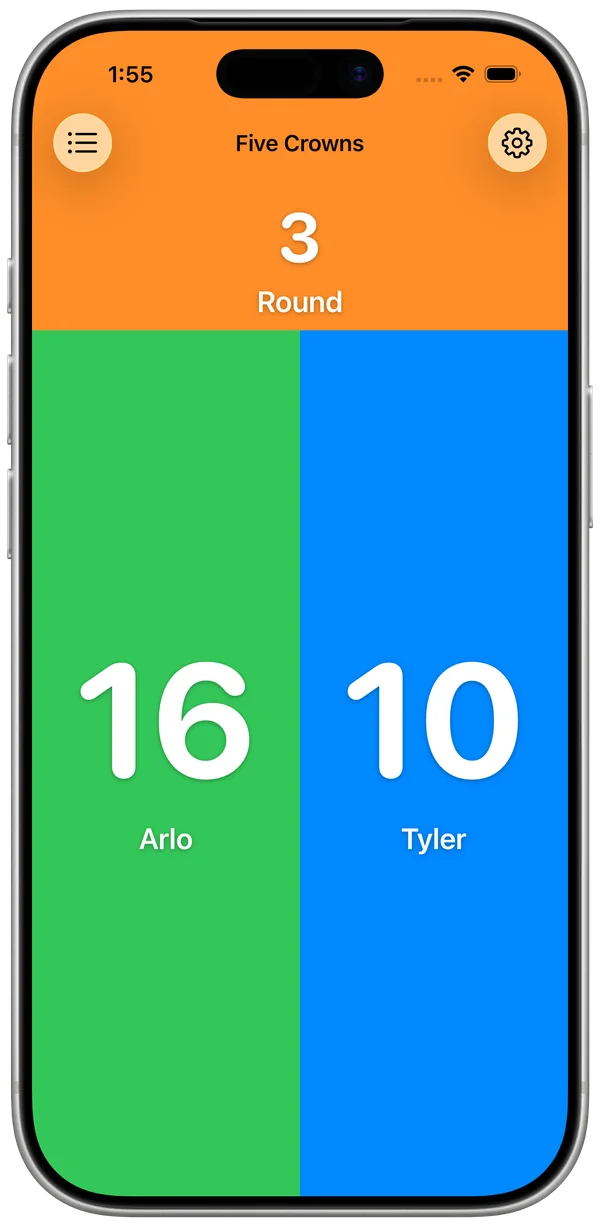
Create player or team score tiles in KeepCount, choose point steps, enter round totals, and duplicate a board for the next game.
- Track daily habits with manual tallies
Make a KeepCount habit board for reading sessions, walks, or other repeated actions. Choose daily versus running totals and reset deliberately.
Find an answer
Check a widget, restore Pro, and understand where your counts are saved.
- Fix a missing counter or unexpected widget value
Check a KeepCount widget’s board, size, counter type, and access before changing data. Diagnose missing tiles, stale display, and number-entry launches.
- Restore KeepCount Pro or check subscription access
Find KeepCount’s purchase and restore controls in Help & About, check your Apple account and network, and troubleshoot inaccessible Pro boards.
- Count offline and understand where your data lives
Learn what KeepCount stores locally, which actions need internet, and why widgets share local counts while another device or web demo has separate data.
- Try KeepCount: web demo, App Clip, or full app
Choose the KeepCount browser demo, one-board App Clip, or free full app. Learn their different controls, storage, limits, and installation handoff.
Trying KeepCount or checking Pro?
Compare the web demo, App Clip, and full app, or see what is free and what Pro adds. For your own board, contact support or use the feedback form.